 Documentation
Wave
Running Wave
If you are not already logged in, log in to rancher.cloud.e-infra.cz, see Rancher section.
Follow the steps below to run the Wave tool.
Notes
-
Wave does not require many resources; the defaults are sufficient. However, you can adjust the resources during the installation by checking
Customize Helm options before install. -
Wave does not work “out-of-the-box” after the installation. You must specify the target Workload Resource correctly; see the next chapter for details.
Wave usage
For Wave to function properly, you need to annotate the target Workload Resource of the other application you want to monitor.
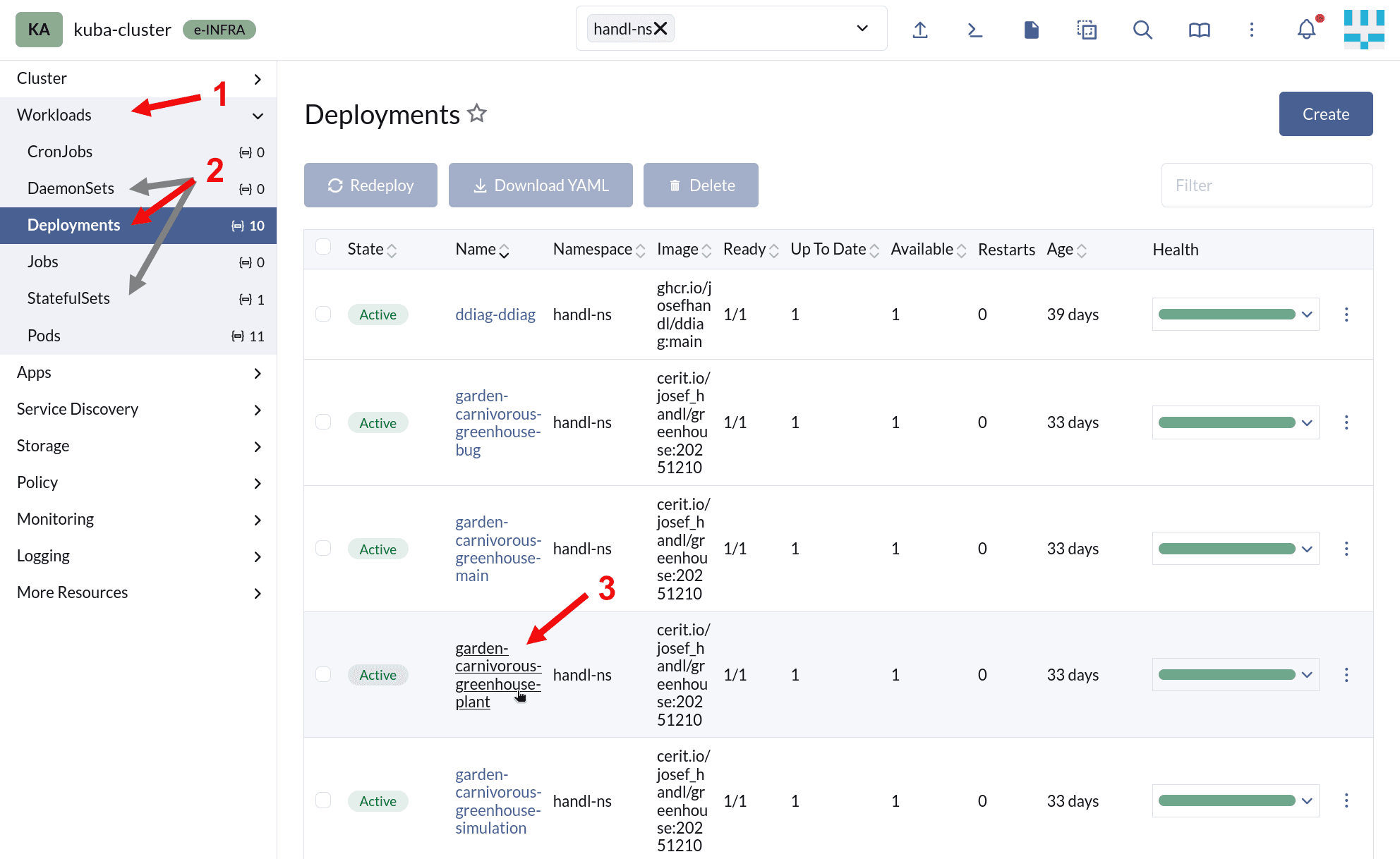
In the Rancher, go to the Workloads section and choose the Resource kind you want to manage - supported Resource kinds are Deployment, StatefulSet and DaemonSet. Select the object you wish to modify.
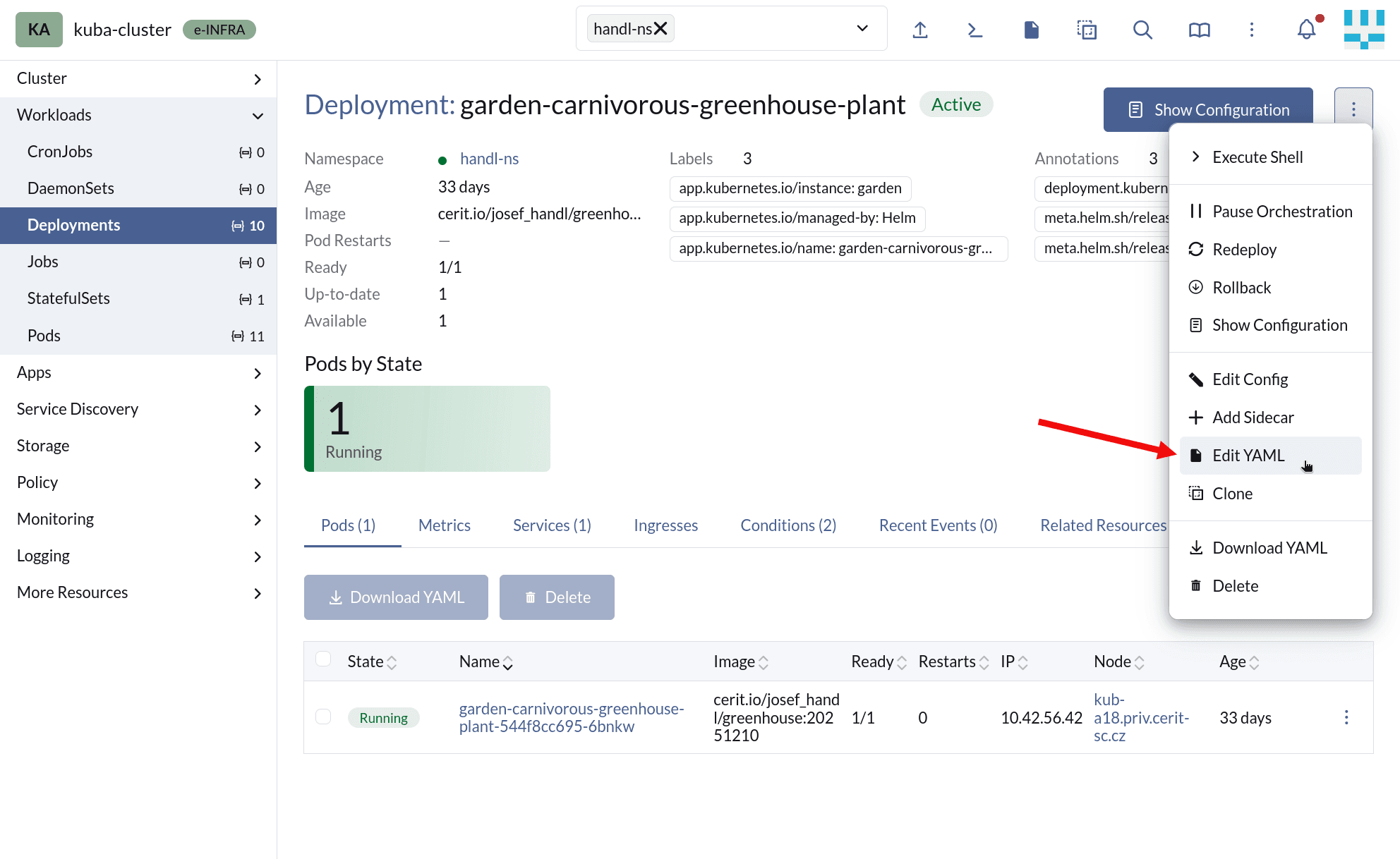
Click the Menu button, and choose Edit YAML.
Add the following annotation:
wave.pusher.com/update-on-config-change: "true"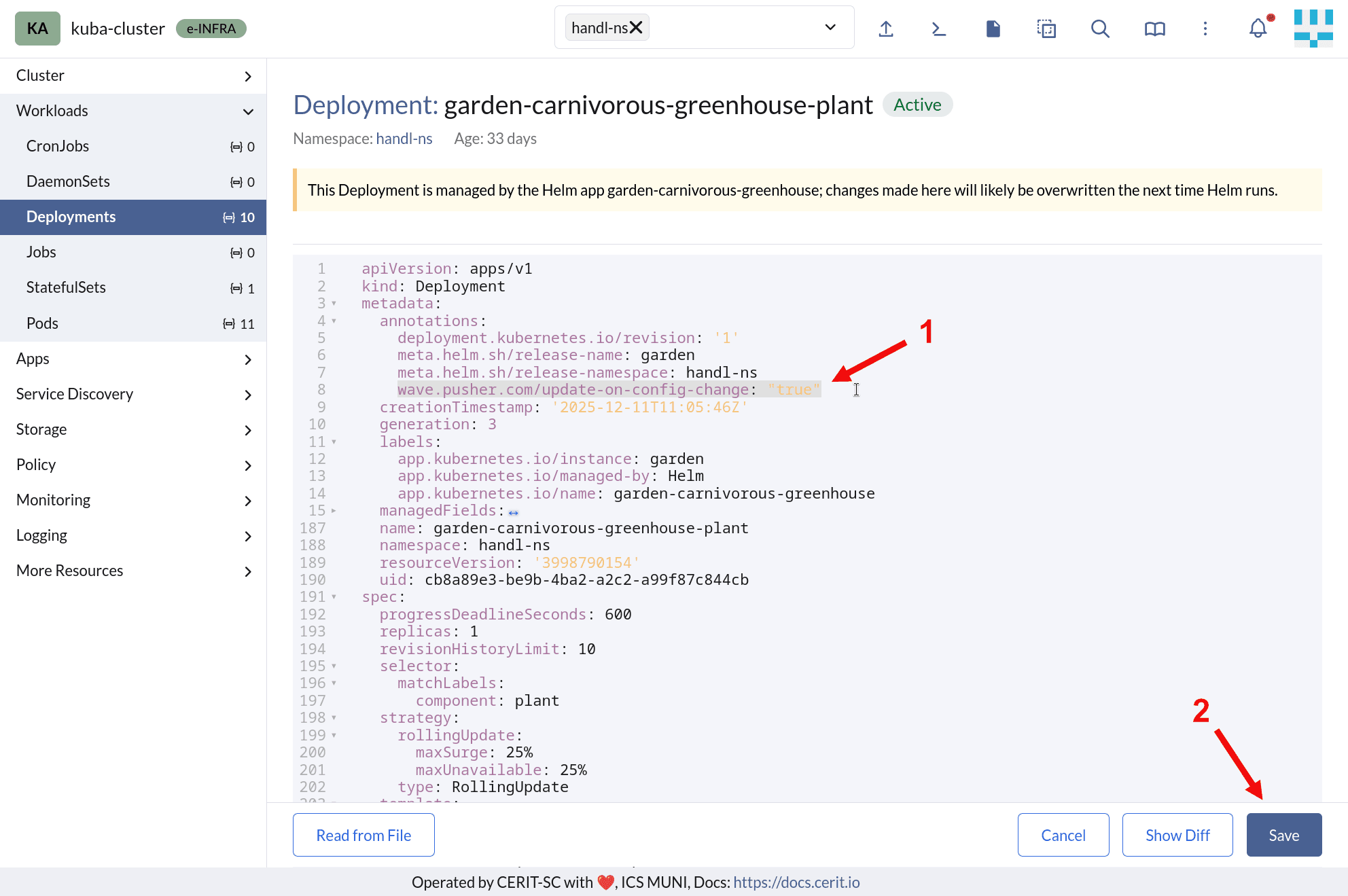
Now, whenever the Secrets or ConfigMaps mounted by the selected Resource’s Pods change, Wave will trigger a Rolling Update restart ot those Pods.
For more info, visit the Wave project.