 Documentation
DeepSite (Vibe Coding)
Introduction
DeepSite is a web-based AI web page and application generator that creates fully functional websites directly from your descriptions. No coding or design expertise is required—simply describe what you want, and DeepSite will build it for you.
Powered by DeepSeek V3.2, a state-of-the-art AI, DeepSite transforms requests such as “Make me a project website with a dark theme and scrolling animations…” into complete, working code (HTML, CSS, JavaScript, and more). The entire process runs automatically in the background, allowing you to focus on your ideas.
Unlike public cloud-hosted AI services, DeepSite runs exclusively on the e-INFRA CZ / CERIT-SC infrastructure, ensuring:
- Data security and privacy
- Performance optimized for our environment
- Secure access through your MetaCentrum account.
Accessing DeepSite
DeepSite is available at: 👉 https://deepsite.ai.e-infra.cz/
A valid MetaCentrum account is required. See How to get Access for details.
Missing your old projects? You can still find them in the previous version 👉
Logging In
- Open your browser and go to https://deepsite.ai.e-infra.cz/. (We recommend using the latest version of Chrome, Safari, or Edge.)
- Log in using e-INFRA CZ:
- Choose your home institution, or
- Select the
e-INFRA CZ passwordoption and enter your MetaCentrum login credentials.
- After logging in, you will be redirected to the DeepSite Dashboard.
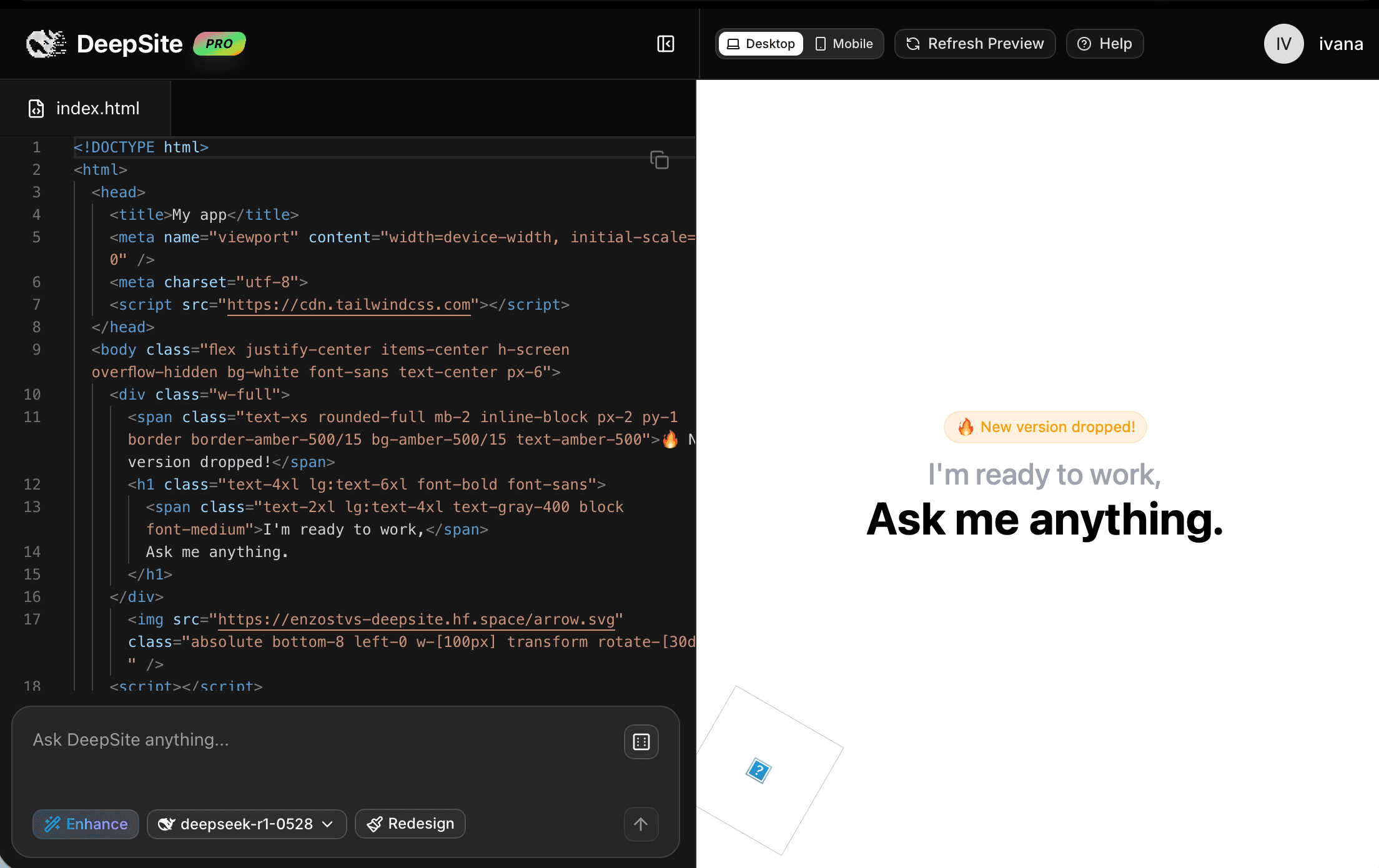
Main Interface
DeepSite provides a clean, intuitive workspace divided into several key sections:
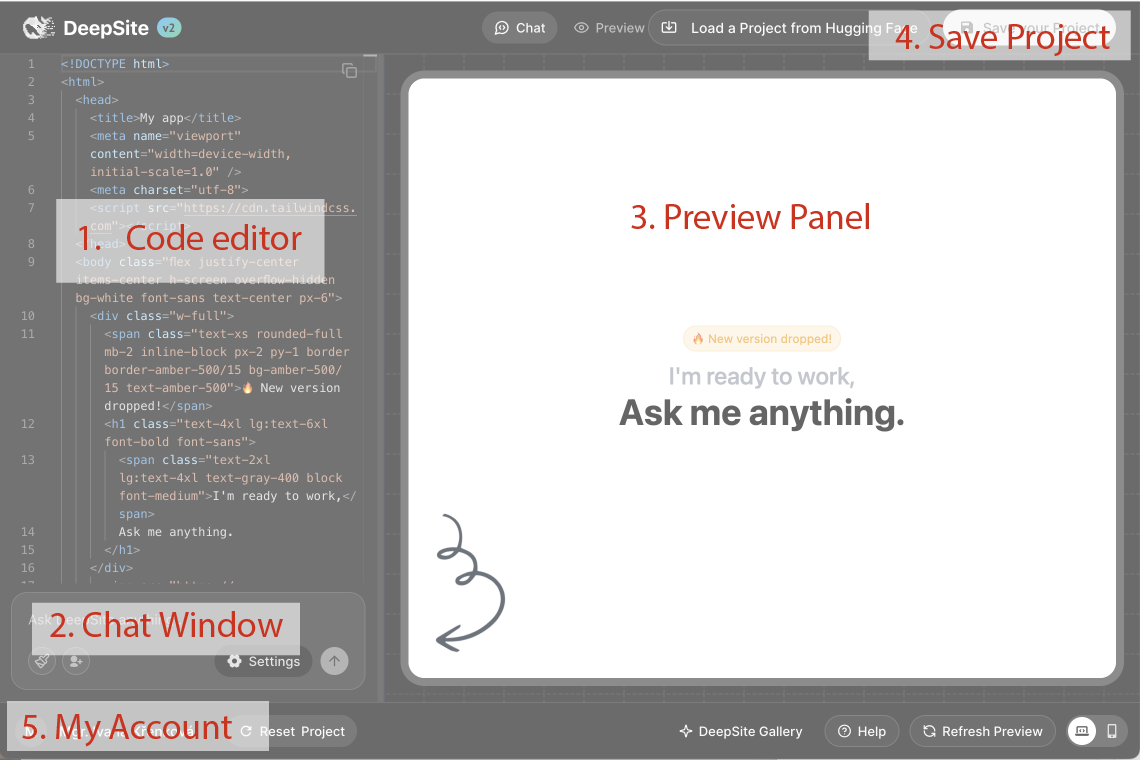
- Code Editor – Displays generated HTML, CSS, and JavaScript.
- Chat Window – Your primary interaction point. Use it to:
- Enter prompts for new websites
- Redesign existing pages
- Apply corrections to selected code blocks
- Adjust settings (e.g., model parameters)
- Submit queries
- Preview Panel – Live preview of the generated website.
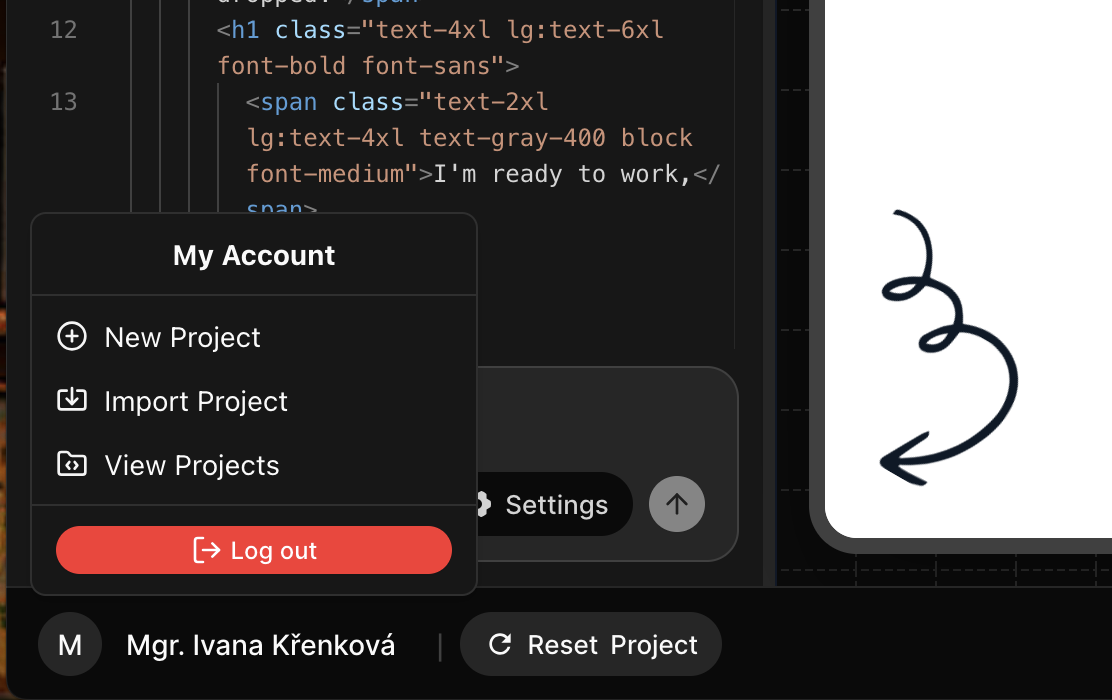
- My Account (top right corner, under your name):
- Start a new project
- View saved projects
- Log out
Example Workflow
- Provide a natural-language description of what you want. For example: “Build a personal blog with a minimal layout and contact form.” Alternatively, supply reference links or examples of existing sites/apps you like.
- Review the AI-generated output in the Preview Panel.
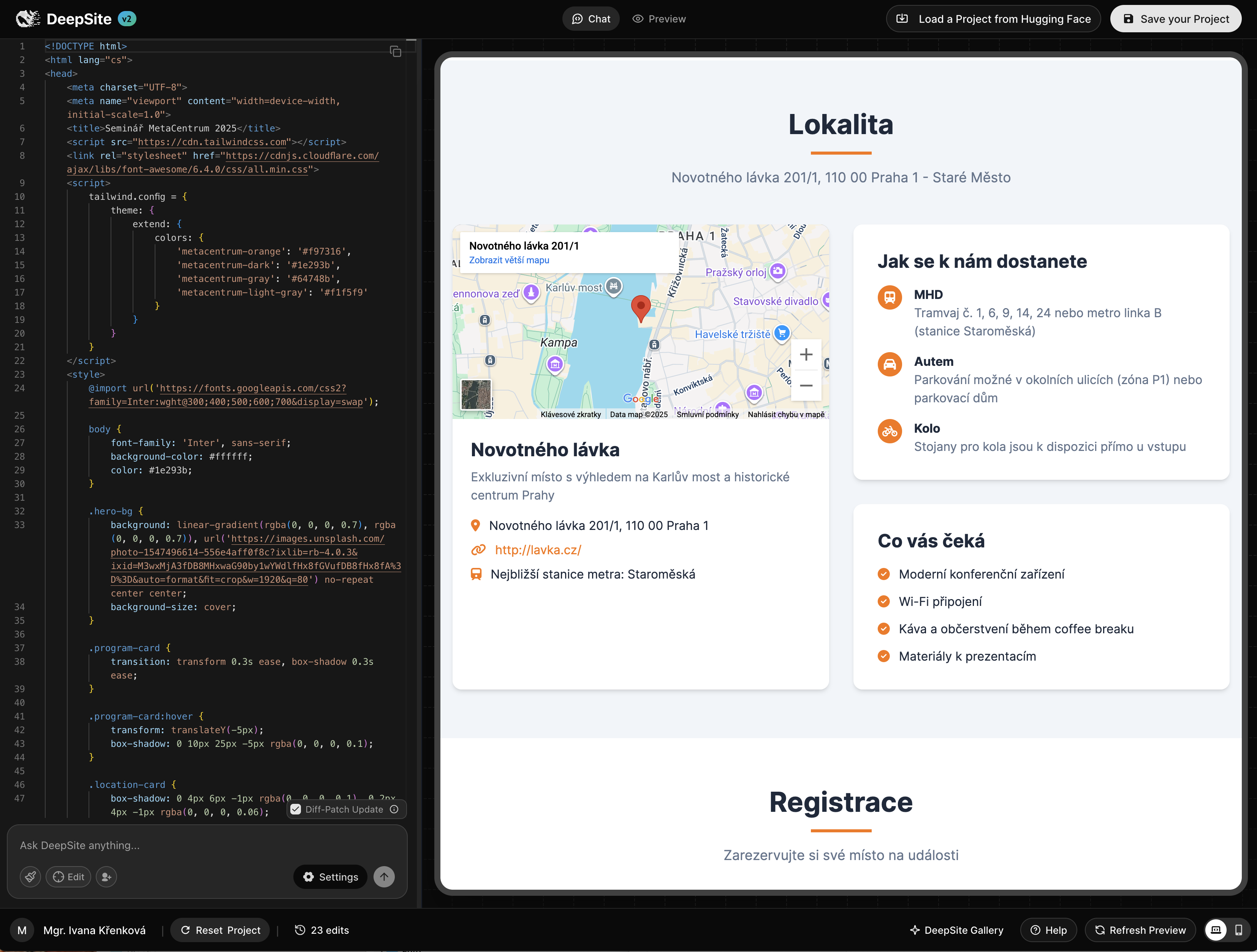
- If needed, apply corrections or refinements in the chat.
- Your project is saved automatically.
Best Practices
- Be specific in your prompts – Clearer instructions produce better websites.
- Use refinements strategically –
qwen3-coderexcels at polishing, not redefining your intent. - Save your work regularly – Sessions are temporary and not stored by default.
- Be mindful of resources – MetaCentrum’s infrastructure is shared among users.
Explore the Gallery
You can view and explore websites created with DeepSite in the official gallery: 👉 DeepSite Gallery on Hugging Face
- If needed, apply corrections or refinements in the chat.
- Your project is saved automatically.
Best Practices
- Be specific in your prompts → Clearer instructions produce better websites.
- Use refinements strategically → Qwen3-coder is great for polishing, not redefining your intent.
- Save your work regularly → Sessions are temporary and not stored by default.
- Be mindful of resources → MetaCenter’s infrastructure is shared among users.
Explore the Gallery
You can view and explore websites created with DeepSite in the official gallery:
👉 DeepSite Gallery on Hugging Face