Documentation
Welcome to the CERIT-SC Kubernetes Container Platform
Computing resources for your research
CERIT-SC provides computing resources and hosted applications for research and education. Use the platform to analyse data, run computational workflows, deploy research software, and access artificial intelligence (AI) tools.
You can start with a browser-based application or deploy your own software using containers. A container packages an application with its software dependencies, making it easier to run a consistent computing environment.
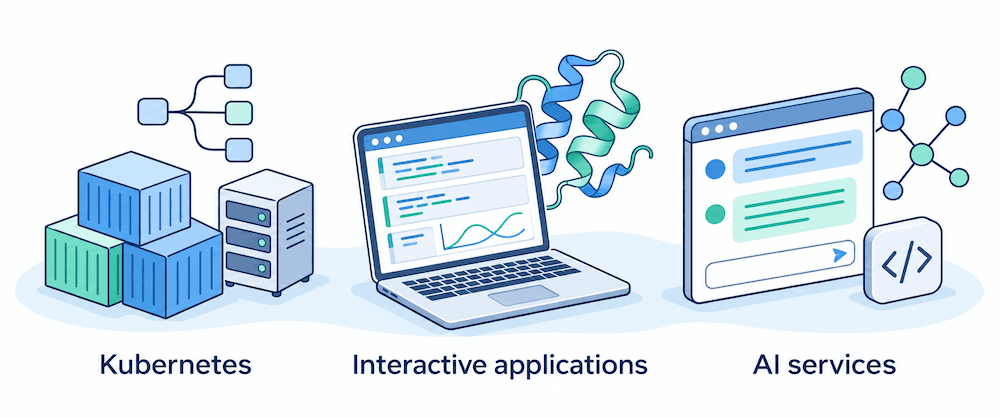
Services

Kubernetes
Run containerised research software and computational workflows on shared computing resources.
- Deploy tools from the application catalogue.
- Run your own container images.
- Manage applications through Rancher or kubectl.

Interactive applications
Use research applications in your browser without installing software locally.
- JupyterHub: Analyse data in Jupyter notebooks.
- BinderHub: Launch computing environments from Git repositories.
- Foldify: Predict protein structures with AlphaFold.

AI as a Service (AIaaS)
Access large language models hosted within e-INFRA CZ through a browser or from your research software.
- Use the Chat AI interface.
- Connect scripts through the OpenAI-compatible API.
- Review the data privacy policy before uploading research data.
Choose a service
Computing resources (Kubernetes)
The platform provides CPU and GPU computing resources and storage. Consult the hardware overview for available systems and the resource quotas for project limits.
Get started
-
Check eligibility and create an account. Read the access requirements, including the terms of use and MetaCentrum registration instructions.
-
Choose a service. Follow the relevant application guide, or start with Rancher to deploy containerised software. Eligible users receive an individual project with default resource quotas when they first sign in to Rancher.
-
Request resources for your research. If you need a shared project for your research group or a larger individual quota, follow the project request instructions.
Run your own applications and workflows
The managed Kubernetes platform lets you run containerised research software. Kubernetes manages how containers run on shared computing resources; Rancher provides a web interface for working with the platform.
- Deploy applications such as MATLAB and Scipion from the Rancher application catalogue.
- Package your own software in a container image.
- Manage applications through the Rancher web interface or the kubectl command-line tool.
- Automate deployments using GitOps, with configuration maintained in a Git repository.
Web-based applications
For interactive work, start with a hosted application that runs in your browser without a local installation:
- JupyterHub: Work with Jupyter notebooks for interactive programming and data analysis.
- BinderHub: Turn a Git repository into an interactive computing environment.
- Foldify: Use AlphaFold through a web interface to predict protein structures.
- and more
AI services
AI as a Service provides access to large language models and related tools hosted within e-INFRA CZ.
- Use Chat AI through a browser.
- Connect your research scripts and applications through the OpenAI-compatible API.
- Build automated workflows with n8n.
Before uploading research data, read the AI data privacy policy. The chat interface and API have different data-handling characteristics. Contact the support team to discuss requirements for sensitive or protected data.
Need help?
See the contact information for support. When asking for advice, describe your research task, the software you plan to use, and your expected computing and storage requirements.
Last updated on